

Writing a scientific paper, thesis, or dissertation is challenging enough without having to wrestle with strict formatting rules. However, if you are submitting work to a Brazilian institution—or publishing in a journal that follows Brazilian standards—mastering ABNT standards spacing is just as important as the research itself. Obtain the Best information about abnt normas espaçamento.
The Associação Brasileira de Normas Técnicas (ABNT) provides a comprehensive set of guidelines designed to standardize academic and scientific documents. While these rules might initially seem overwhelming, they exist for a great reason: they ensure that academic texts are uniform, highly legible, and professionally presented. When formatting is invisible, your research can shine.
In this comprehensive guide, we are going to dive deep into every aspect of abnt standards spacing. From configuring your margins to managing block quotes, we will cover exactly what you need to know to format your document flawlessly.
Part 1: The Foundations of ABNT Formatting
Before you type a single word of your thesis, you need to prepare your document’s canvas. Setting up your page correctly from the start prevents a domino effect of formatting disasters later on.
Page Setup and Margins
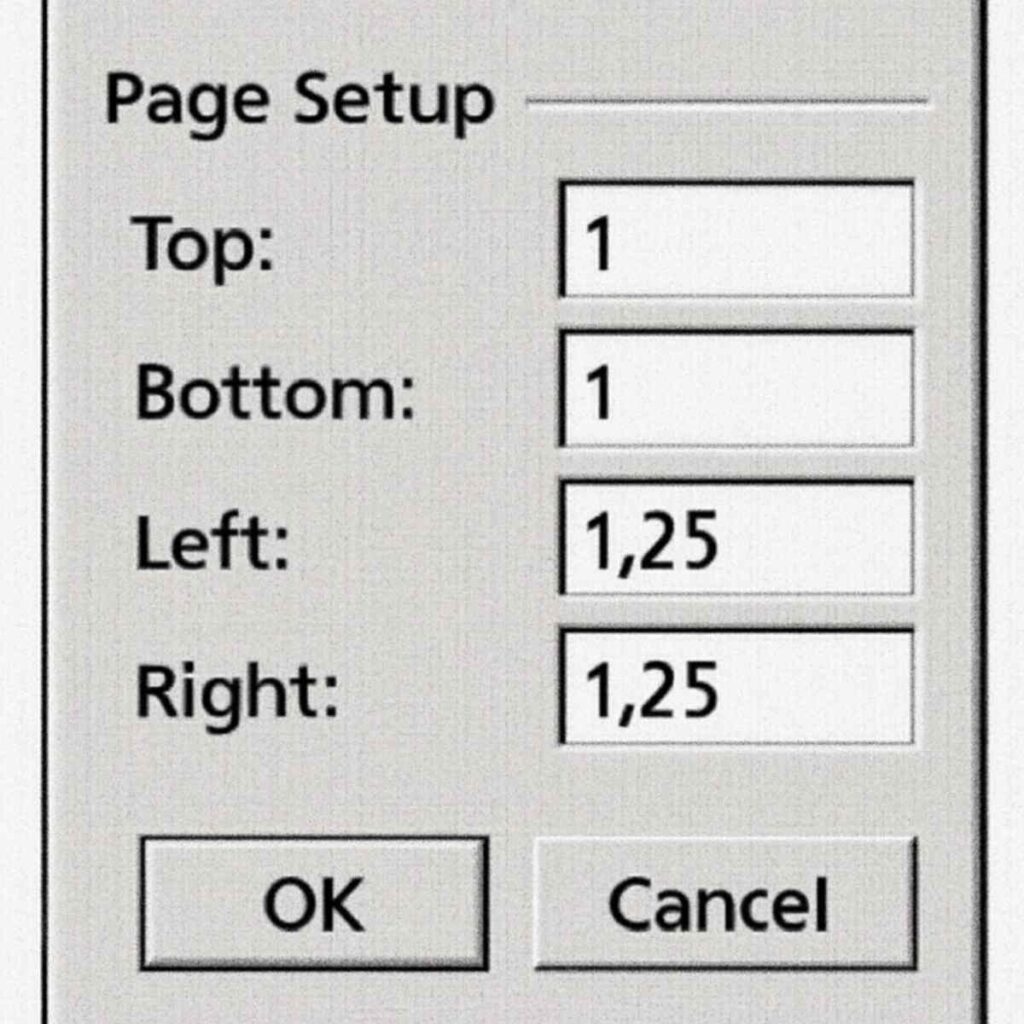
Whether you are configuring a dissertation or managing the page layout setup for scientific articles, ABNT dictates very specific page dimensions and margins. Your document must be set to A4 paper size (21 cm x 29.7 cm).
Let’s look at the standard margins for college thesis and academic papers:
- Top Margin: 3.0 cm
- Left Margin: 3.0 cm
- Bottom Margin: 2.0 cm
- Right Margin: 2.0 cm
Why these specific measurements? The larger margins on the top and left serve a practical purpose. The 3.0 cm left margin allows room for physical binding without cutting into the text. The 3.0 cm top margin provides clear breathing room for headers and page numbers. The 2.0 cm margins on the bottom and right maximize text space while keeping the page visually balanced.
The Standard Font Selection
According to ABNT, you have two primary choices for your document’s font: Arial or Times New Roman. Once you pick one, you must use it consistently throughout the entire document. You cannot mix Arial in the body and Times New Roman in the footnotes.
The standard font size for academic body text is 12 points. This rule applies to your introduction, literature review, methodology, results, and conclusion. However, as we will explore later, there are specific exceptions where the font size drops to 10 points (such as in long quotes and footnotes).
Part 2: Mastering Line Spacing in Body Text
The most critical element of document readability is how your lines of text are spaced. A dense, cramped page exhausts the reader, while too much space makes the document feel disjointed.
The Golden Rule of Spacing
When configuring the line spacing for academic papers, the standard ABNT rule is simple: 1.5 line spacing must be applied to all body text.
This 1.5 spacing allows professors and reviewers to easily read your work and leaves enough physical whitespace on printed copies for them to write comments, corrections, or notes between the lines.
The Difference Between Single and 1.5 Spacing
Understanding the difference between single and 1.5 spacing is crucial because ABNT requires you to switch between them depending on the element you are formatting.
- 1.5 Spacing: Used for the main text, introduction, chapters, and standard paragraphs. It provides a comfortable, breathable reading experience.
- Single Spacing (1.0): Used strictly for specific elements that need to be visually separated from the main text. This includes long direct quotations, footnotes, bibliographical references, legends of illustrations, and tables.
By contrasting 1.5 spacing for your own writing and single spacing for outside elements or metadata, ABNT creates a clear visual hierarchy.
Alignment and Indentation
Whenever you are typing out your main paragraphs, you must use automatic text justification for university papers. Justified text aligns perfectly with both the left and right margins, creating a clean, block-like appearance that looks highly professional.
However, a justified block of text can be hard to read if the start of a new thought isn’t clear. That is why you must follow the paragraph indentation rules for monographs.
According to ABNT, the first line of every new paragraph in the body text must be indented. The standard indentation is 1.25 cm (or sometimes 1.5 cm, depending on specific university manuals, but 1.25 cm is the default standard in most word processors like Microsoft Word).
Actionable Tip: Never use the “Spacebar” to create your paragraph indentations. Always use the “Tab” key or configure your word processor’s ruler to automate the first-line indent.
Part 3: Structuring Your Document According to NBR 14724
The overarching standard that dictates how academic work should be structured in Brazil is ABNT NBR 14724.
The NBR 14724 formatting rules divide an academic document into three distinct parts:
- Pre-textual elements: Title page, abstract, table of contents, lists of figures/tables, and dedications.
- Textual elements: Introduction, main body chapters (methodology, results, discussion), and conclusion.
- Post-textual elements: References, glossaries, appendices, and annexes.
Spacing for Pre-Textual Elements
Pre-textual elements have unique spacing requirements. For instance:
- Approval Sheet (Folha de Aprovação): Requires careful vertical spacing to fit the signatures of the examination board.
- Abstract (Resumo): The text of the abstract must be single-spaced, not 1.5. It is also formatted as one continuous paragraph without the standard 1.25 cm first-line indentation. Just below the abstract, your keywords should be separated by semicolons and ending with a period.
Vertical Alignment of Titles and Headings
As you transition from the table of contents into the textual elements, you must correctly format your chapter titles and section headings. The vertical alignment of section headings is a common stumbling block for students.
Here are the ABNT rules for headings:
- Primary Section Headings (e.g., “1 INTRODUCTION”): Must be typed in ALL CAPS and bold. They should be aligned to the left margin.
- Vertical Spacing Before and After: To separate a heading from the text that follows it, you must leave one blank 1.5 spaced line between the heading and the text. If a new sub-heading follows the text, leave another blank 1.5 line before it.
Example of proper heading spacing:
1 INTRODUCTION (Blank line with 1.5 spacing) This is the first paragraph of the introduction, starting with a 1.25 cm indentation. The text is justified, and the line spacing here remains at 1.5 to ensure readability…
Part 4: Managing Direct Quotes Correctly
One of the most rigorous areas of ABNT formatting involves how you cite the work of others. If you are quoting another author word-for-word, ABNT splits the rules into two categories: Short Quotes and Long Quotes.
Short Direct Quotes (Up to 3 lines)
If the quote is three lines or shorter within your document, it remains embedded inside your standard paragraph. It keeps the 1.5 line spacing, the 12-point font, and must be enclosed in double quotation marks (” “).
The Ultimate Long Direct Quote Formatting Guide
When a quotation exceeds three lines, ABNT requires a complete formatting shift. You cannot simply leave it in quotation marks inside your paragraph.
Here is your step-by-step long direct quote formatting guide:
- Remove Quotation Marks: Long quotes do not use quotation marks at the beginning or end.
- Font Size: Reduce the font size from 12 points to 10 points.
- Indentation: The entire block of text must be indented 4.0 cm from the left margin. (Do not indent the right margin; it remains at 2.0 cm).
- Alignment: The text must remain justified.
- Line Spacing: This is critical. The proper spacing for block quotations is single line spacing (1.0).
- Separation: You must leave one blank 1.5-spaced line before the quote starts, and one blank 1.5-spaced line after the quote ends, to separate it visually from your own text.
Example of a correct ABNT long quote structure:
Here is a standard paragraph of your thesis. It is typed in size 12 font, uses 1.5 line spacing, and provides context for the upcoming quotation. Because the next quote is longer than three lines, we must format it as a block quote. (Blank 1.5 line) (Indented 4 cm, Size 10 font, Single spaced) This is exactly how a long direct quotation should look according to ABNT standards. Notice how the text is physically pushed away from the left margin. Because the font is smaller and the lines are single-spaced, the reader instantly recognizes this as external borrowed text. (AUTHOR, Year, p. X). (Blank 1.5 line) Now we return to your original text, resuming the size 12 font, the standard 1.25 cm first-line indentation, and the 1.5 line spacing.
Part 5: References and Footnotes
Managing citations and bibliographies is notoriously tedious, but understanding the spacing logic makes it much easier.
Spacing Between Bibliographic References
The reference list at the end of your document (regulated by ABNT NBR 6023) has its own specific spacing rules that differ from the body text.
- Alignment: Unlike the body text, references must be left-aligned, not justified.
- Line Spacing within a reference: Each individual reference must be single-spaced.
- Spacing Between Bibliographic References: To separate one reference from the next, you must leave one blank single-spaced line.
Example:
SOBRENOME, Nome. Título do livro em negrito. Cidade: Editora, Ano. (Blank single-spaced line) SOBRENOME2, Nome2. Título do segundo livro. Cidade: Editora, Ano.
Formatting Footnotes
Footnotes are primarily used for explanatory notes rather than citations (since ABNT heavily favors the Author-Date system in the body text). However, if you need them, you must know how to format footnotes according to NBR standards.
- Placement: At the bottom of the page, separated from the main text by a solid line (usually 5 cm long).
- Font Size: Footnotes must be written in a smaller font than the body text (usually 10 points).
- Line Spacing: Footnotes must be single-spaced.
- Alignment: Left-aligned or justified, depending on the specific manual, but generally justified is preferred for neatness.
Part 6: Step-by-Step Technical Tutorials
Knowing the ABNT rules is only half the battle; executing them in your word processor is the other half. Many students struggle because modern software often applies default spacing that violates ABNT standards.
How to Set 1.5 Line Spacing in Word
Microsoft Word is the standard tool for academic writing, but its default settings are usually tailored for business letters, not ABNT theses.
If you want to know how to set 1.5 line spacing in Word globally for your document, follow these steps:
- Open your Word document.
- Press Ctrl + A (or Cmd + A on a Mac) to select all text. (Alternatively, do this before you start typing by modifying the “Normal” style).
- Go to the Home tab.
- In the Paragraph group, click the small arrow in the bottom right corner to open the Paragraph Settings dialog box.
- Look for the Spacing section.
- Under Line spacing, click the dropdown menu and select 1.5 lines.
- Click OK.
Fixing Paragraph Spacing Issues in Word
One of the most insidious problems students face is Word’s default habit of adding extra blank space after hitting the “Enter” key.
Word often defaults to adding “8 pt” or “10 pt” of space after every paragraph. Under ABNT rules, this is strictly forbidden! Your spacing should be strictly 1.5 lines, with no extra artificial padding injected by the software.
Here is the secret to fixing paragraph spacing issues in Word:
- Open the Paragraph Settings dialog box again (Home tab > Paragraph arrow).
- Look at the Spacing section, specifically the Before and After boxes.
- You will likely see “After: 8 pt” or something similar.
- Change both Before and After to 0 pt.
- Check the box that says: “Don’t add space between paragraphs of the same style.”
- Click OK.
Now, your document will perfectly obey the abnt standards spacing without Word secretly inflating your page count with unauthorized whitespace!
Part 7: Tables, Figures, and Equations
Scientific articles and theses are rarely just walls of text. You will likely include charts, graphs, and tables. ABNT has specific spacing rules for these elements to ensure they integrate seamlessly into your document.
Spacing for Figures and Tables
Whenever you insert a table or a figure, it must be visually distinct from the text.
- Spacing Before: Leave one blank 1.5 line space before the table/figure title.
- Title and Legend: The title (placed above the image) and the source/legend (placed below the image) must be written in size 10 font and use single spacing.
- Spacing After: Leave one blank 1.5 line space after the source/legend before resuming your normal body text.
By using single spacing for the metadata (titles and sources) and smaller fonts, the reader’s eye naturally separates the graphic elements from your academic arguments.
Part 8: Common Mistakes to Avoid
Even with the best intentions, students often fall into a few common ABNT formatting traps. Keep an eye out for these spacing errors before you submit your final draft to your advisor:
1. Using the Spacebar for Indents As mentioned earlier, never hit the spacebar 5 or 10 times to create your paragraph indent. It creates inconsistent spacing that breaks apart if you change your font. Use the Tab key, which should be pre-configured to 1.25 cm.
2. Orphan and Widow Lines When using automatic text justification and 1.5 line spacing, you might end up with an “orphan” (the first line of a paragraph alone at the bottom of a page) or a “widow” (the last line of a paragraph alone at the top of a page). Most word processors have a “Widow/Orphan control” setting in the Paragraph menu. Keep it turned on to ensure clean page breaks.
3. Inconsistent Spacing Around Headings Remember the vertical alignment of section headings: you need a blank 1.5 line before and after. A common mistake is using single spacing for these blank lines, or forgetting them entirely, causing the text to crash into the chapter title.
4. Forgetting to Justify References Wait! This is a trick point. Remember our section on references? References must be left-aligned, not justified. It is incredibly common for students to highlight their entire document, click “Justify,” and accidentally mess up their reference list at the very end. Keep your references left-aligned to prevent awkward, stretched-out gaps between words (especially when dealing with long URLs in citations).
Part 9: Why Do These Standards Matter So Much?
You might be asking yourself, “Why is ABNT so obsessed with 1.5 line spacing, 3cm margins, and single-spaced block quotes?”
The answer lies in cognitive load and standardized peer review.
When a professor, a thesis defense committee, or a journal editor reads your work, they are evaluating your ideas, your methodology, and your conclusions. If your text is cramped (because you used single spacing for the body text), or if it is chaotic (because you mixed fonts and margin sizes), their brain has to work harder just to read the words.
Standardization acts as an equalizer. By rigorously applying ABNT standards spacing, you remove all visual distractions. The reviewer doesn’t see your formatting; they only see your brilliant research. Furthermore, the 3cm left margin ensures that when your thesis is physically printed and bound into a hardcover book for the university library, the binding glue doesn’t swallow the first three letters of every sentence.
Every rule, from the spacing between bibliographic references to the standard margins for college thesis, has a highly practical, historically proven purpose in academic publishing.
Conclusion: Your ABNT Spacing Checklist
Mastering abnt standards spacing doesn’t require you to memorize an entire manual. It simply requires you to set up your document correctly before you start writing and to remember the distinct differences between your own writing and the text you are borrowing or referencing.
Here is your quick, actionable checklist to review before you export your final PDF:
- [ ] Page Size & Margins: A4 paper. Top/Left: 3.0 cm. Bottom/Right: 2.0 cm.
- [ ] Main Font: Arial or Times New Roman, size 12.
- [ ] Body Text Spacing: 1.5 line spacing throughout the main text.
- [ ] Alignment: Justified text for all body paragraphs.
- [ ] Indentation: 1.25 cm first-line indent for all new paragraphs.
- [ ] Word Settings: Paragraph spacing (Before/After) set strictly to 0 pt.
- [ ] Long Quotes: Indented 4cm, size 10 font, single-spaced, no quotation marks.
- [ ] Headings: One blank 1.5-spaced line above and below primary headings.
- [ ] References: Left-aligned, single-spaced internally, with one single-spaced blank line between each entry.
By applying these NBR 14724 formatting rules and properly utilizing the tools in your word processor, you can stop worrying about formatting deductions and focus completely on producing a compelling, high-quality academic paper. Happy writing!